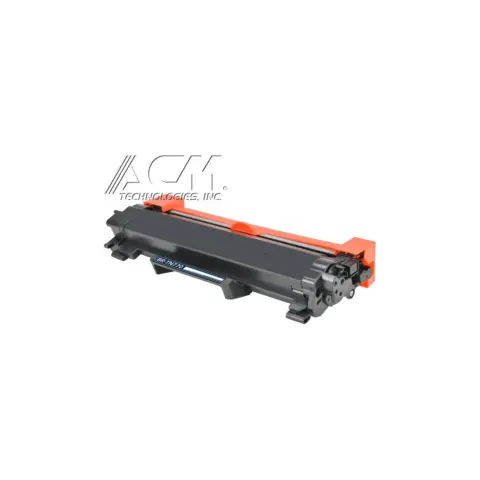
TN770
Compatible Brother TN770 Black High Yield Toner Cartridge
4,500 pages
$36.99
Save 68% vs genuine
Your HL-L2370DW takes the TN770 (high yield), TN730 (standard yield) and TN760 (high yield), plus the DR730 drum. At our price that is about 0.8¢ a page.
The Brother HL-L2370DW is a mono laser printer in the HL-L2300 series, which shares cartridges across 12 models.
It takes two black cartridges that differ only in capacity: the TN730 at about 1,200 pages and the TN770 at about 4,500. At our prices that is 2.1¢ a page against 0.8¢, so the high-yield cartridge costs less to run unless you print very little.
The drum is a separate part on this printer. The DR730 is rated for about 12,000 pages, so it outlasts several toner cartridges and only needs replacing when the printer reports drum life, not every time you change toner.
Brother has stated publicly that its firmware updates do not block third-party cartridges, and the printer counts pages rather than measuring toner, which is why the Replace Toner message can appear before a cartridge is empty.
When you compare prices, compare cost per page rather than the sticker price: a cheaper cartridge with half the rated yield costs more to run. Every cartridge here ships free, is covered by our printer damage protection and can be returned within 90 days, opened or not.
TN770
4,500 pages
TN730
1,200 pages
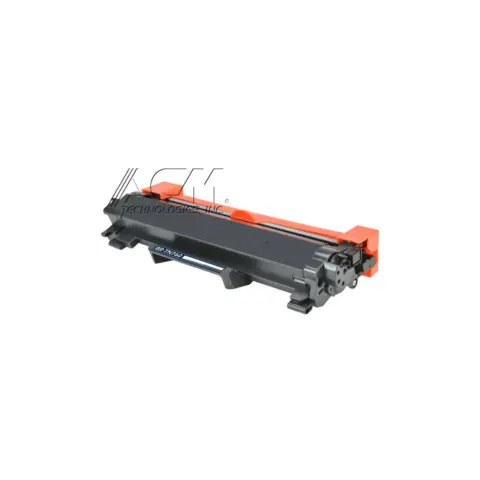
TN760
3,000 pages
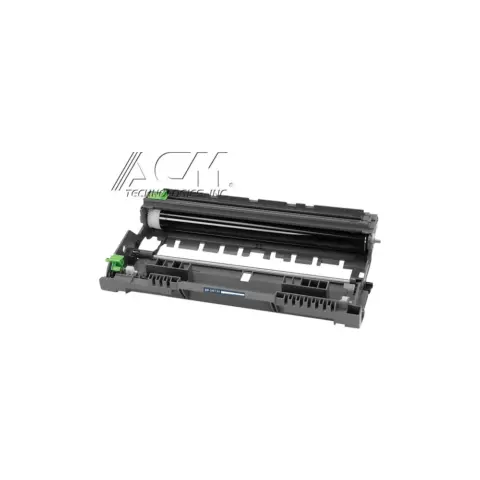
DR730
12,000 pages
| Cartridge | Yield | Price | Per page |
|---|---|---|---|
| TN770 High yield | 4,500 pages | $36.99 | 0.8¢ |
| TN730 | 1,200 pages | $24.99 | 2.1¢ |
| TN760 High yield | 3,000 pages | $28.99 | 1.0¢ |
About $9.66 a month in toner, roughly one TN770 every 3 months.
| Print speed | 36 ppm (black) |
|---|---|
| Print resolution | 2400 x 600 dpi |
| Duplex | Yes (automatic duplex printing) |
| Paper capacity | 250 sheets standard input capacity; 100 sheets output capacity |
| Connectivity | Wireless 802.11 b/g/n, Ethernet 10/100 Base-TX, Wi-Fi Direct, Hi-Speed USB 2.0 |
| Monthly duty cycle | 15,000 pages |
| Recommended monthly volume | Up to 2,000 pages |
| Memory | 64 MB standard memory |
| Processor speed | 600 MHz |
| Toner Low | The toner cartridge is near the end of its life. Order a new toner cartridge now so you have it ready when the LCD displays Replace Toner. |
|---|---|
| Replace Toner | The toner cartridge is at the end of its life. The machine stops all print operations. Replace the toner cartridge with a new one. |
| Drum End Soon | The drum unit is near the end of its life. Order a new drum unit before the LCD displays Replace Drum. |
| Replace Drum | It is time to replace the drum unit, or the drum unit counter was not reset when a new drum was installed. Replace the drum unit with a new one, or reset the drum unit counter. |
| Cartridge Error | The toner cartridge is not installed correctly. Remove the toner cartridge and drum unit assembly, refit the cartridge into the drum unit, then reinstall the assembly. |
| Self-Diagnostic | The fuser temperature does not reach the specified temperature in the given time, or the fuser unit is too hot. Turn the machine off, wait a few seconds, then turn it back on and leave it idle for about 15 minutes with the power on. |
Brother lists three for this model: TN-730 at approximately 1,200 pages, TN-760 at approximately 3,000 pages, and the super high-yield TN-770 at approximately 4,500 pages, which Brother lists for the HL-L2370DW only. All are quoted to ISO/IEC 19752 on A4/Letter single-sided pages.
Yes. Brother lists wireless 802.11 b/g/n, 10/100 Base-TX Ethernet, Wi-Fi Direct and Hi-Speed USB 2.0 for this model. That wired port is one of the main differences from the HL-L2350DW, which Brother lists with wireless and USB only.
Brother publishes a maximum monthly duty cycle of 15,000 pages and a recommended monthly print volume of up to 2,000 pages. The recommended figure is the one to plan around; the duty cycle is a peak rating, not a sustainable workload.
Most of these share the same cartridges. Check the model page to be sure.
or pick your printer
Page updated Sep 17, 2026. Compatibility checked by Dan Whitaker, Print Technician. Brand names and part numbers are used only to identify compatibility. We are not affiliated with or endorsed by any printer manufacturer.