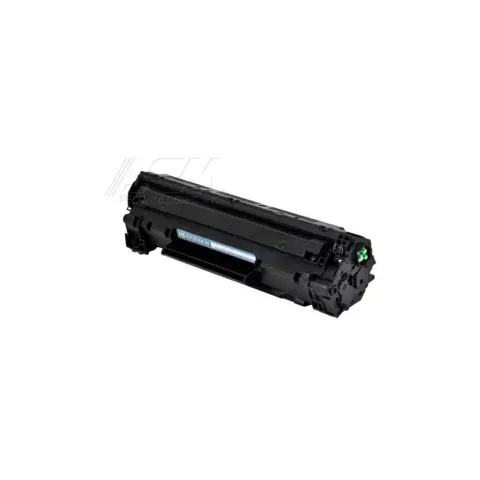
83A
Compatible HP 83A Black Toner Cartridge
1,500 pages
$20.99
Save 79% vs genuine
Your LaserJet Pro M201n takes the 83A (standard yield) and 83X (high yield). At our price that is about 1.0¢ a page.
The HP LaserJet Pro M201n is a mono laser printer in the LaserJet Pro M201 series, which shares cartridges across 2 models.
It takes two black cartridges that differ only in capacity: the 83A at about 1,500 pages and the 83X at about 2,200. At our prices that is 1.4¢ a page against 1.0¢, so the high-yield cartridge costs less to run unless you print very little.
On this printer the drum is built into the cartridge, so there is no separate drum to buy or reset. Every new cartridge brings a fresh drum with it.
HP ships this model with dynamic security, which is designed to block cartridges that do not carry a new or reused HP chip. Cartridges that reuse the original HP chip keep working.
When you compare prices, compare cost per page rather than the sticker price: a cheaper cartridge with half the rated yield costs more to run. Every cartridge here ships free, is covered by our printer damage protection and can be returned within 90 days, opened or not.
HP ships this printer with dynamic security. It is built to work only with cartridges that carry a new or reused HP chip, and firmware updates maintain that. Remanufactured cartridges that reuse an HP chip keep working.
83A
1,500 pages
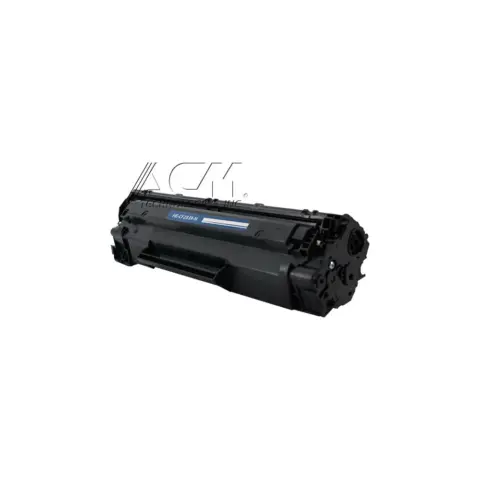
83X
2,200 pages
| Cartridge | Yield | Price | Per page |
|---|---|---|---|
| 83A | 1,500 pages | $20.99 | 1.4¢ |
| 83X High yield | 2,200 pages | $21.99 | 1.0¢ |
About $9.66 a month in toner, roughly one 83X every 3 months.
The 83A and 83X. HP lists these cartridges as compatible with this model, and the yields on this page are HP's published figures.
HP says this printer works with cartridges that have a new or reused HP chip, and that cartridges with a non-HP chip may stop working after a firmware update. Cartridges that reuse the original HP chip are unaffected by HP's own statement.
Most of these share the same cartridges. Check the model page to be sure.
or pick your printer
Page updated Sep 17, 2026. Compatibility checked by Dan Whitaker, Print Technician. Brand names and part numbers are used only to identify compatibility. We are not affiliated with or endorsed by any printer manufacturer.