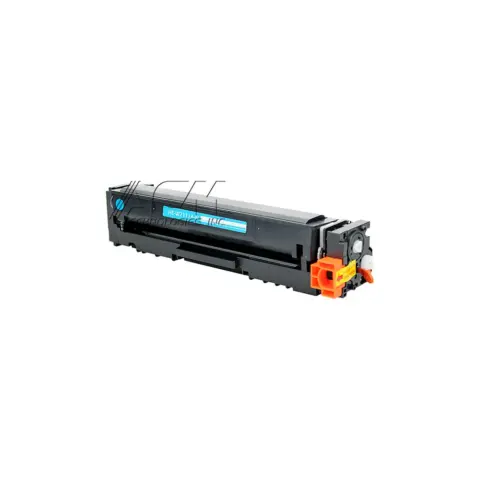
206A
Compatible HP 206A Cyan Toner Cartridge (W2111A)
1,250 pages
$38.99
Save 62% vs genuine
Your Color LaserJet Pro MFP M283fdw takes the 206A (standard yield), 206A (standard yield), 206A (standard yield), 206X (high yield), 206X (high yield), 206X (high yield), 206X (high yield) and 206A (standard yield). At our price that is about 1.6¢ a page.
The HP Color LaserJet Pro MFP M283fdw is a color laser all-in-one in the Color LaserJet Pro MFP M283 series, which shares cartridges across 3 models.
It takes two black cartridges that differ only in capacity: the 206A at about 1,250 pages and the 206X at about 3,150. At our prices that is 3.1¢ a page against 1.6¢, so the high-yield cartridge costs less to run unless you print very little.
On this printer the drum is built into the cartridge, so there is no separate drum to buy or reset. Every new cartridge brings a fresh drum with it.
HP ships this model with dynamic security, which is designed to block cartridges that do not carry a new or reused HP chip. Cartridges that reuse the original HP chip keep working.
When you compare prices, compare cost per page rather than the sticker price: a cheaper cartridge with half the rated yield costs more to run. Every cartridge here ships free, is covered by our printer damage protection and can be returned within 90 days, opened or not.
HP ships this printer with dynamic security. It is built to work only with cartridges that carry a new or reused HP chip, and firmware updates maintain that. Remanufactured cartridges that reuse an HP chip keep working.
206A
1,250 pages
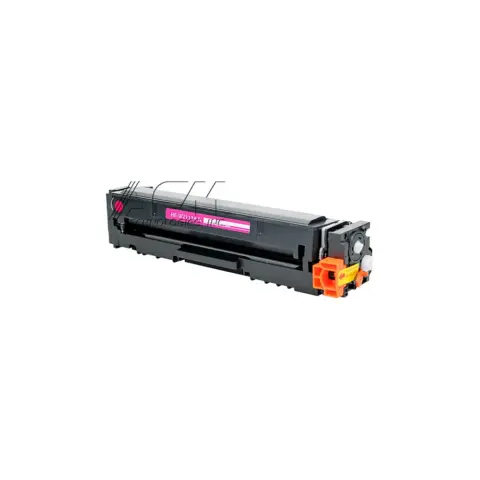
206A
1,250 pages
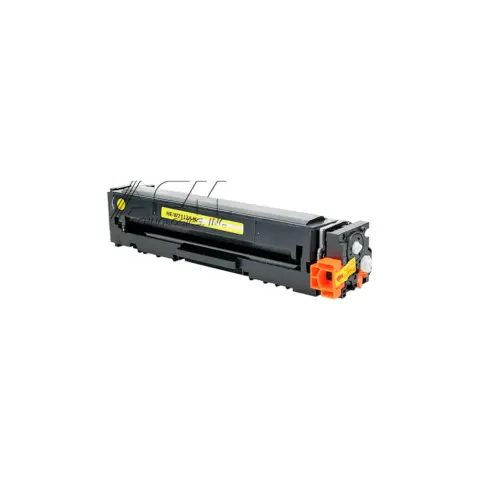
206A
1,250 pages
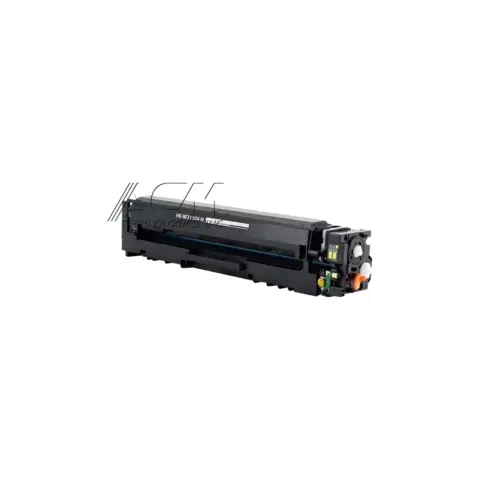
206X
3,150 pages
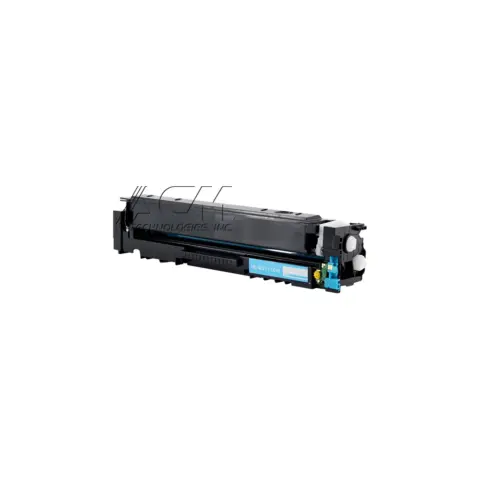
206X
2,450 pages
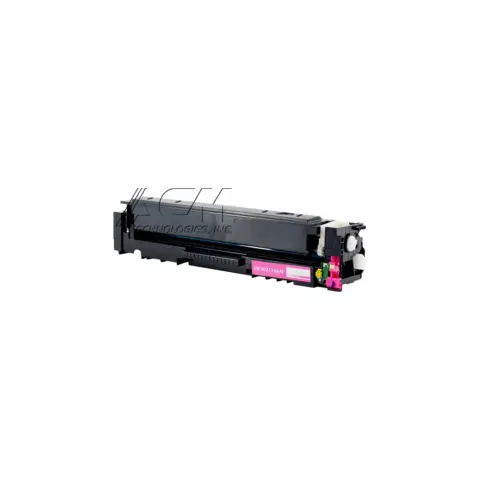
206X
2,450 pages
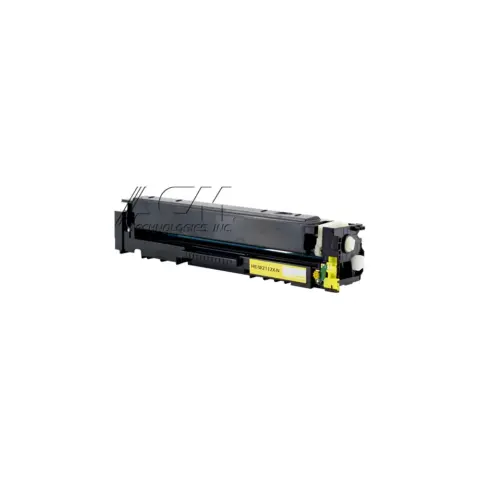
206X
2,450 pages
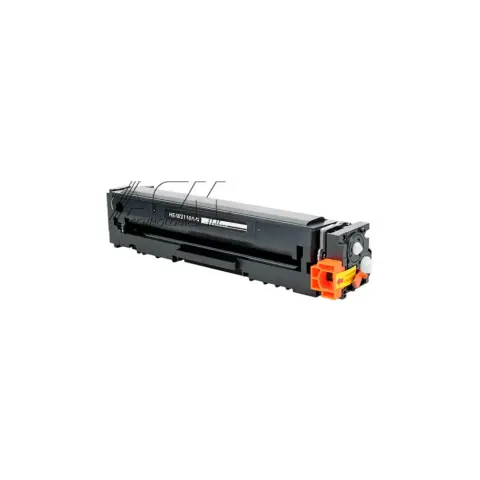
206A
1,350 pages
| Cartridge | Yield | Price | Per page |
|---|---|---|---|
| 206A | 1,250 pages | $38.99 | 3.1¢ |
| 206A | 1,250 pages | $38.99 | 3.1¢ |
| 206A | 1,250 pages | $38.99 | 3.1¢ |
| 206X High yield | 3,150 pages | $48.99 | 1.6¢ |
| 206X High yield | 2,450 pages | $48.99 | 2.0¢ |
| 206X High yield | 2,450 pages | $48.99 | 2.0¢ |
| 206X High yield | 2,450 pages | $48.99 | 2.0¢ |
| 206A | 1,350 pages | $38.99 | 2.9¢ |
About $9.66 a month in toner, roughly one 206X every 3 months.
| Print speed | Up to 22 ppm (black and color) |
|---|---|
| Print resolution | Up to 600 x 600 dpi (black and color) |
| Duplex | Automatic (standard) |
| Paper capacity | 250-sheet input tray |
| Automatic document feeder | 50-page automatic document feeder |
| Connectivity | Hi-Speed USB 2.0, Fast Ethernet 10/100/1000 Base-TX, 802.11n 2.4/5GHz wireless, fax port |
| Monthly duty cycle | Up to 40,000 pages |
| Recommended monthly volume | 150 to 2500 |
| Display | 2.7'' color graphic touch screen |
| Memory | 256 MB DDR, 256 MB Flash |
| Cartridge is low | A 'Cartridge is low' message displays on the printer control panel when a toner cartridge reaches its low threshold. Have the matching HP 206A or 206X cartridge on hand; you do not need to replace it until print quality suffers. |
|---|---|
| Cartridge is very low | A 'Cartridge is very low' message displays when a cartridge is close to the end of its usable life. Replace the affected colour cartridge when print quality is no longer acceptable. Use 'Change the Very Low settings' in the control panel to control whether the printer stops or continues at that point. |
| Check toner-cartridge status / low supply indication | HP directs owners to the Supplies Status page to see which of the four cartridges is low and its estimated remaining life. Print or view the supply status from the control panel to identify the exact cartridge before ordering. |
| Paper jam (jam message by location) | Paper has stopped in one of the jam locations HP documents: Tray 1, Tray 2, the rear door and fuser area, the output bin, the duplexer or the document feeder. Follow HP's jam-clearing procedure for the location shown, and when removing the cartridge avoid touching the green imaging drum, because fingerprints on it can cause print defects. |
It takes four HP 206A or 206X cartridges: black (W2110A/W2110X), cyan (W2111A/W2111X), yellow (W2112A/W2112X) and magenta (W2113A/W2113X) for North America, Latin America, Asia Pacific and Japan. The X versions are the high-yield option.
HP does not list a separate imaging drum consumable for this printer; the four HP 206A/206X toner cartridges are the supplies HP publishes. HP's guide refers to the green imaging drum on the cartridge itself and warns not to touch it, because fingerprints on the imaging drum can cause print defects.
Yes. HP lists print, copy, scan and fax functions, automatic two-sided printing as standard, and a 50-page automatic document feeder for multi-page originals. Connectivity includes a fax port alongside Ethernet, USB and dual-band Wi-Fi.
Most of these share the same cartridges. Check the model page to be sure.
or pick your printer
Page updated Sep 17, 2026. Compatibility checked by Dan Whitaker, Print Technician. Brand names and part numbers are used only to identify compatibility. We are not affiliated with or endorsed by any printer manufacturer.