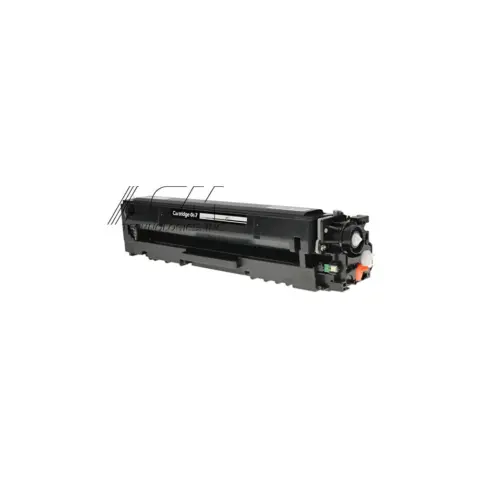
067
Compatible Canon 067 Black Toner Cartridge
1,350 pages
$39.99
Save 60% vs genuine
Your Color imageCLASS MF654Cdw takes the 067 (standard yield), 067 (standard yield), 067 (standard yield), 067 (standard yield), 067H (high yield), 067H (high yield), 067H (high yield) and 067H (high yield). At our price that is about 1.5¢ a page.
The Canon Color imageCLASS MF654Cdw is a color laser all-in-one in the imageCLASS MF650C series, which shares cartridges across 5 models.
It takes two black cartridges that differ only in capacity: the 067 at about 1,350 pages and the 067H at about 3,130. At our prices that is 3.0¢ a page against 1.5¢, so the high-yield cartridge costs less to run unless you print very little.
On this printer the drum is built into the cartridge, so there is no separate drum to buy or reset. Every new cartridge brings a fresh drum with it.
When you compare prices, compare cost per page rather than the sticker price: a cheaper cartridge with half the rated yield costs more to run. Every cartridge here ships free, is covered by our printer damage protection and can be returned within 90 days, opened or not.
067
1,350 pages
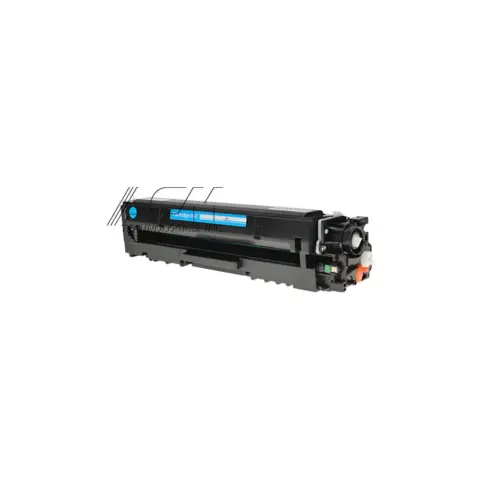
067
1,250 pages
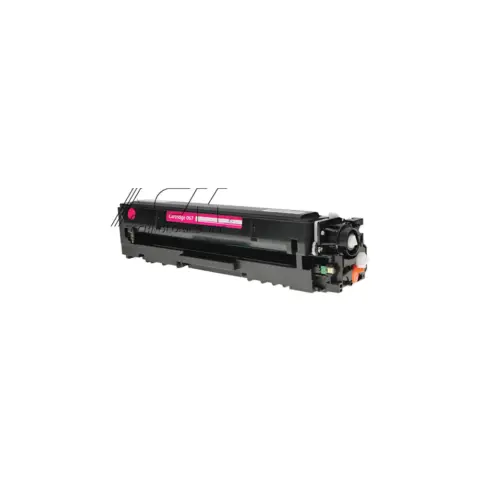
067
1,250 pages
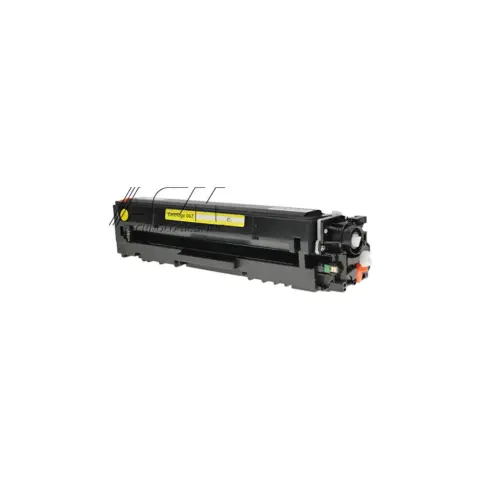
067
1,250 pages
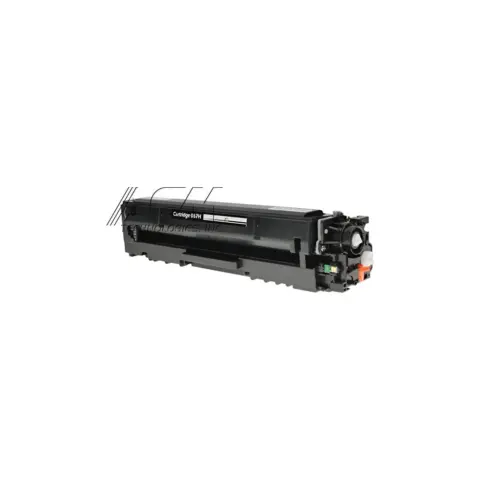
067H
3,130 pages
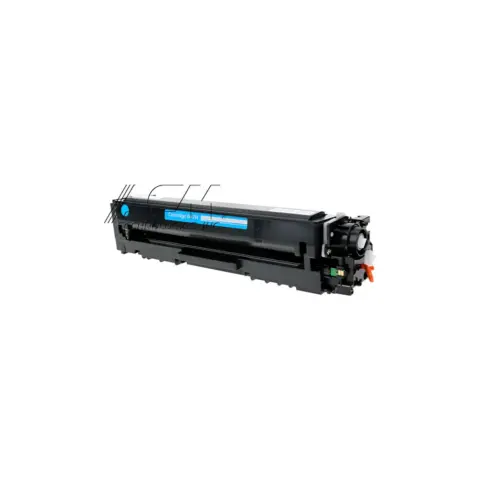
067H
2,350 pages
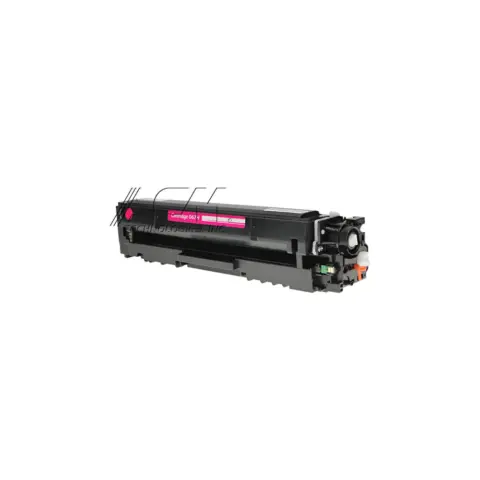
067H
2,350 pages
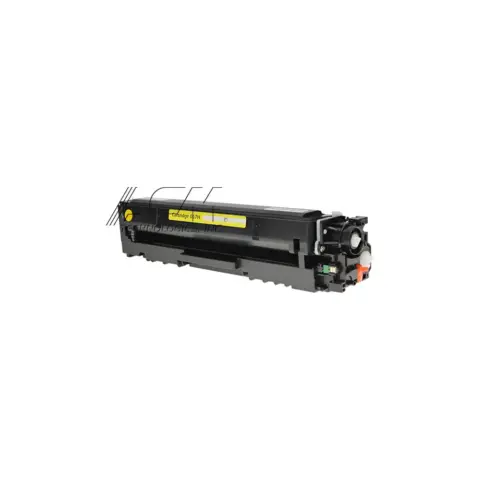
067H
2,350 pages
| Cartridge | Yield | Price | Per page |
|---|---|---|---|
| 067 | 1,350 pages | $39.99 | 3.0¢ |
| 067 | 1,250 pages | $39.99 | 3.2¢ |
| 067 | 1,250 pages | $39.99 | 3.2¢ |
| 067 | 1,250 pages | $39.99 | 3.2¢ |
| 067H High yield | 3,130 pages | $46.99 | 1.5¢ |
| 067H High yield | 2,350 pages | $46.99 | 2.0¢ |
| 067H High yield | 2,350 pages | $46.99 | 2.0¢ |
| 067H High yield | 2,350 pages | $46.99 | 2.0¢ |
About $9.66 a month in toner, roughly one 067H every 3 months.
| Print speed | Up to 22 ppm (Letter); Full Color: 22 sheets/minute, Black-and-White: 22 sheets/minute |
|---|---|
| Print resolution | Up to 1200 x 1200 dpi |
| Scan resolution | Up to 600 x 600 dpi |
| Duplex | Auto 2-sided Printing |
| Paper capacity | 250-Sheet Standard Cassette, 1-Sheet Manual Feed Slot; 100 sheet output tray |
| Automatic document feeder | 50 Sheet |
| Connectivity | USB 2.0 High-Speed, 10/100/1000Base-T/TX Ethernet (Network), Wi-Fi 802.11b/g/n, Wi-Fi Direct Connection |
| Display | 5 inch, Color Touch LCD |
| Memory | 1 GB (Shared) |
| Recommended monthly volume | 150 - 2,500 Pages |
| Prepare cartridge. / Low Cartridge Level | The time to replace a toner cartridge is approaching. Have a replacement Canon Cartridge 067 or 067 H in the right colour ready, and swap it before a large print job. |
|---|---|
| End of cartridge lifetime | The toner cartridge has reached the end of its service life. Select the displayed option to see the replacement steps and fit a new cartridge; you can keep printing, but Canon does not guarantee print quality. |
| Cartridge communication error. Cannot print. | The cartridge is not seated properly, or a cartridge that is not a genuine Canon cartridge has been detected. Reinstall the cartridge. If the message persists, use a genuine Canon Cartridge 067 or 067 H, or contact your service representative. |
| Paper jammed. | Paper has jammed inside the machine. Remove the jammed paper following the on-screen guidance; printing may resume automatically once the path is clear. |
| The size of the loaded paper is different from the paper settings. | The paper loaded conflicts with the paper size set on the control panel. Set the paper size on the panel to match the paper actually loaded, and check the paper guides are against the stack. |
| Load paper. | There is no paper in the drawer or the manual feed slot. Load the correct paper and set the paper size and type on the control panel. |
Canon lists Cartridge 067 and the high-capacity 067 H in black, cyan, magenta and yellow. Canon quotes the black at up to 1,350 pages standard and 3,130 pages high-capacity, and each colour at up to 1,250 pages standard and 2,350 pages high-capacity.
No separate drum unit is listed among Canon's supplies for this model; the Cartridge 067 and 067 H toner cartridges are the only consumables Canon lists. Canon's control-panel messages for consumables likewise refer only to cartridge lifetime, not to a drum.
Yes. Canon lists Auto 2-sided Printing along with a 50-sheet automatic document feeder and a 250-sheet standard cassette plus a 1-sheet manual feed slot. The machine is operated from a 5-inch colour touch LCD.
Most of these share the same cartridges. Check the model page to be sure.
or pick your printer
Page updated Sep 17, 2026. Compatibility checked by Dan Whitaker, Print Technician. Brand names and part numbers are used only to identify compatibility. We are not affiliated with or endorsed by any printer manufacturer.